

Zum Inhalt springen
View in the app

A better way to browse. Learn more.

Ultraleicht Trekking

A full-screen app on your home screen with push notifications, badges and more.

To install this app on iOS and iPadOS
  1. Tap the Share icon in Safari
  2. Scroll the menu and tap Add to Home Screen.
  3. Tap Add in the top-right corner.
To install this app on Android
  1. Tap the 3-dot menu (⋮) in the top-right corner of the browser.
  2. Tap Add to Home screen or Install app.
  3. Confirm by tapping Install.

Blutsschwester22

Members
  • Benutzer seit

  • Letzter Besuch

  1. Blutsschwester22 hat das Profilbild geändert
  2. Hallo Ihr, für meine Vorbereitung AT 2020 würde ich von Euch gern noch wissen, was ihr als BearBag benutzt habt. Danke für Tipps oder Links Liebe Grüße aus dem Allgäu Ines, Enyo und Loki
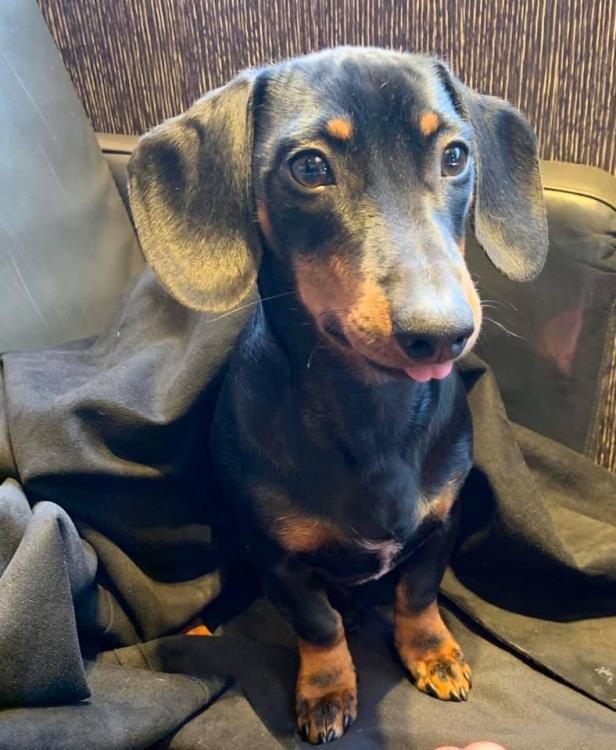
  3. lieben Dank für den Tipp ....
  4. Wenn denn Amazon liefert ist das die Beste Idee. Danke für Eure Antworten. Ich möchte den AT mit Hund laufen und bin darauf angewiesen das wenigstens der Hund - Eiweißhaltiges Futter bekommt.... und das lässt sich so auch am Besten regeln Liebe Grüße Ines
  5. Hallo liebe Ultraleicht Trekking Comm....., kann mir einer von Euch eventuell Bilder einer Bounce Box senden? Oder ein Beispiel was ich da am besten kaufen sollte? Vielen lieben Dank und Grüße aus dem Allgäu

Account

Navigation

Suche

Suche

Configure browser push notifications

Chrome (Android)
  1. Tap the lock icon next to the address bar.
  2. Tap Permissions → Notifications.
  3. Adjust your preference.
Chrome (Desktop)
  1. Click the padlock icon in the address bar.
  2. Select Site settings.
  3. Find Notifications and adjust your preference.