Zum Inhalt springen
View in the app

A better way to browse. Learn more.

Ultraleicht Trekking

A full-screen app on your home screen with push notifications, badges and more.

To install this app on iOS and iPadOS
  1. Tap the Share icon in Safari
  2. Scroll the menu and tap Add to Home Screen.
  3. Tap Add in the top-right corner.
To install this app on Android
  1. Tap the 3-dot menu (⋮) in the top-right corner of the browser.
  2. Tap Add to Home screen or Install app.
  3. Confirm by tapping Install.

DERA

Members
  • Benutzer seit

  • Letzter Besuch

Alle erstellten Inhalte von DERA

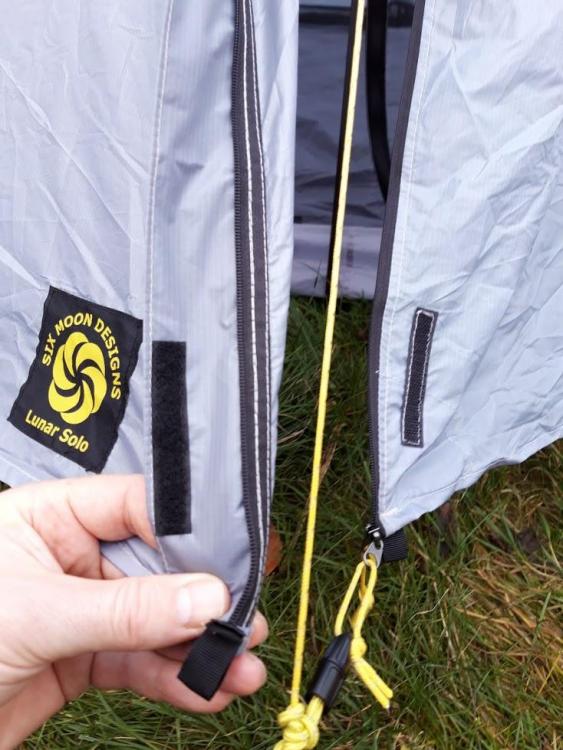
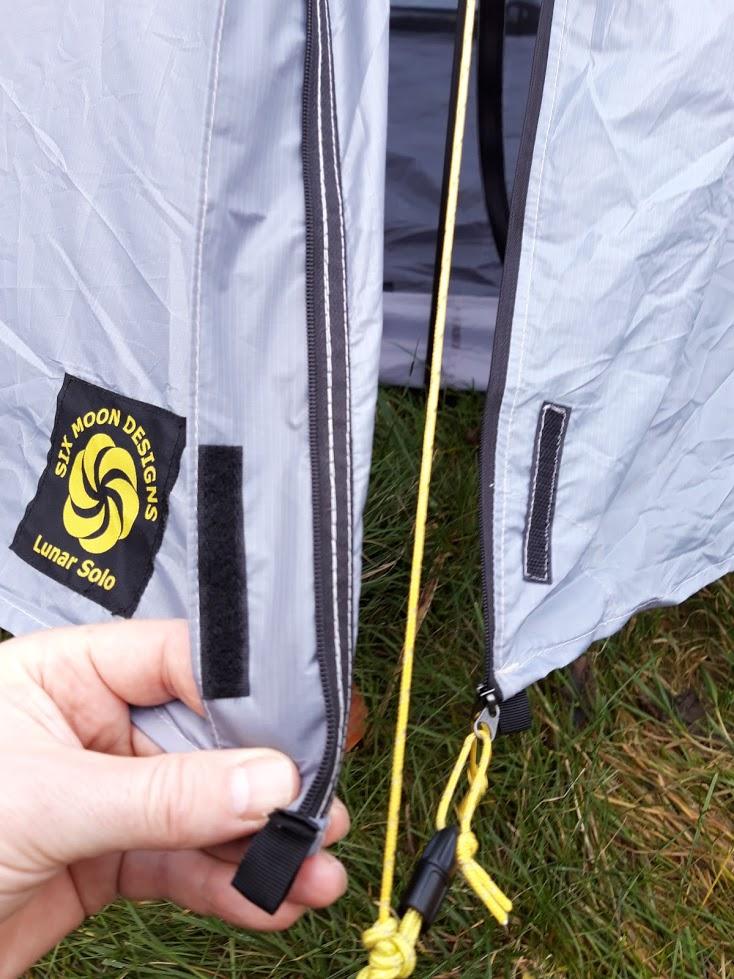
  1. Unglücklicherweise habe ich das selbe Problem ... ich vermute das die Qualität aktuell bei Six Moon Design nicht stimmt. Auch bei mir hat sich der Reißverschluss beim zweiten Aufbau geöffnet und kann nicht mehr geschlossen werden. Ich denke er ist einseitig aus dem linken Ende "rausgerutscht". Für eine Outdoor Produkt auf das ich mich auf mehrtages Touren verlassen muss ist das schlecht. Ich habe es an den Lieferanten wieder zurückgeschickt (Outdoorline.sk). Der verwiest auf den Hersteller und wartet auf Rückantwort obwohl er selber dafür gerade stehen müsste. Fazit: Ich bin weder von dem Produkt noch von dem Lieferanten überzeugt.
Account

Navigation

Suche

Suche

Configure browser push notifications

Chrome (Android)
  1. Tap the lock icon next to the address bar.
  2. Tap Permissions → Notifications.
  3. Adjust your preference.
Chrome (Desktop)
  1. Click the padlock icon in the address bar.
  2. Select Site settings.
  3. Find Notifications and adjust your preference.