Zum Inhalt springen
View in the app

A better way to browse. Learn more.

Ultraleicht Trekking

A full-screen app on your home screen with push notifications, badges and more.

To install this app on iOS and iPadOS
  1. Tap the Share icon in Safari
  2. Scroll the menu and tap Add to Home Screen.
  3. Tap Add in the top-right corner.
To install this app on Android
  1. Tap the 3-dot menu (⋮) in the top-right corner of the browser.
  2. Tap Add to Home screen or Install app.
  3. Confirm by tapping Install.

Joanna

Members
  • Benutzer seit

  • Letzter Besuch

  1. SouthWest reagierte auf Beitrag im Thema: Vorstellungsthread
  2. martinfarrent reagierte auf Beitrag im Thema: Vorstellungsthread
  3. Joanna hat das Profilbild geändert
  4. Joanna antwortete auf Beitrag im Thema in Einsteiger
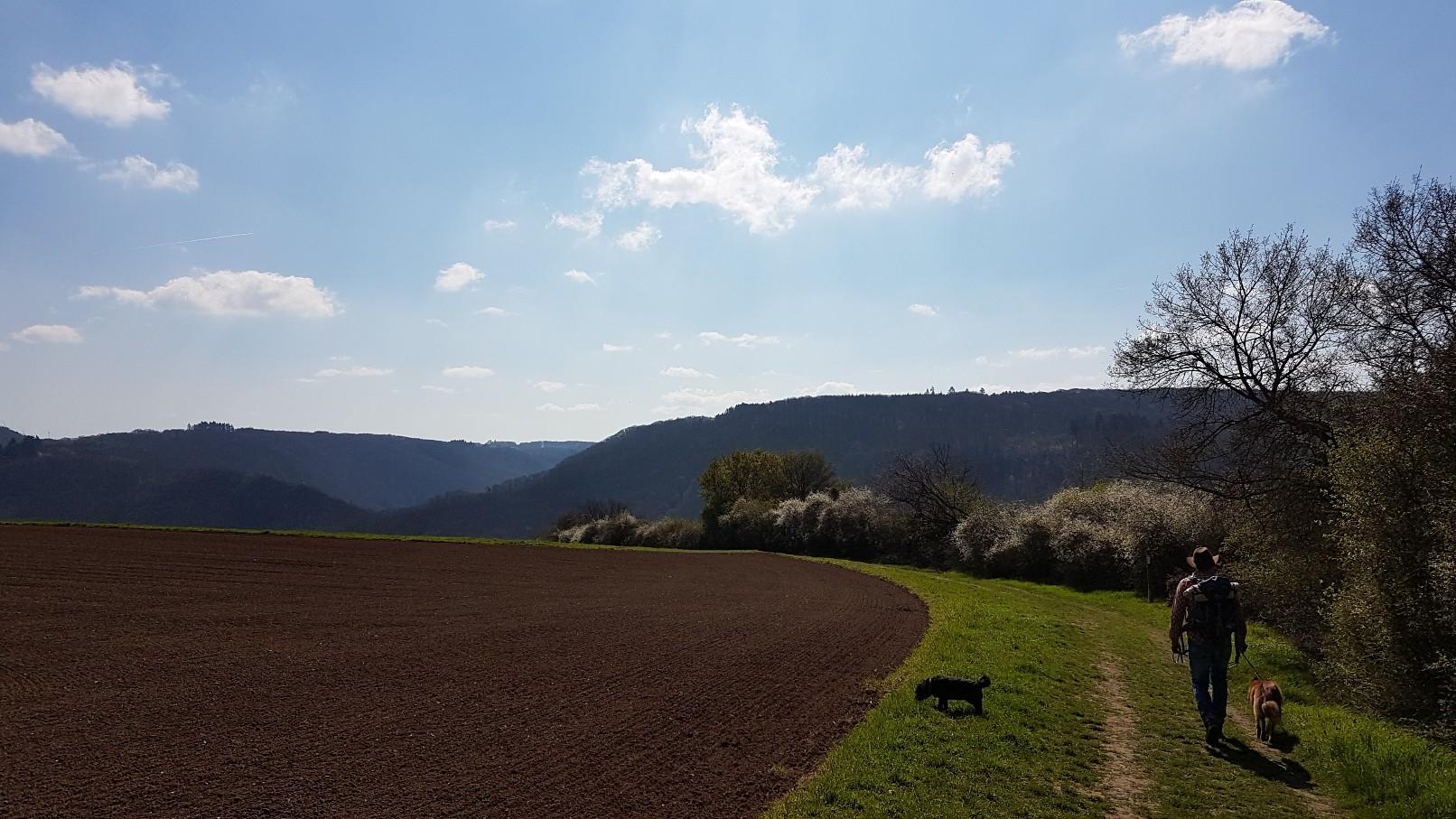
    Hallo und guten Morgen, mein Mann und ich haben seit ein paar Jahren das Wandern für uns und unsere beiden Hunde entdeckt. Seither verbessern wir von Jahr zu Jahr unsere Ausrüstung und inzwischen sind wir ganz gut aufgestellt. Ich freue mich, auf neue Ideen und Tipps und einen inspirierenden Austausch! Liebe Grüße Joanna

Account

Navigation

Suche

Suche

Configure browser push notifications

Chrome (Android)
  1. Tap the lock icon next to the address bar.
  2. Tap Permissions → Notifications.
  3. Adjust your preference.
Chrome (Desktop)
  1. Click the padlock icon in the address bar.
  2. Select Site settings.
  3. Find Notifications and adjust your preference.
