Zum Inhalt springen
View in the app

A better way to browse. Learn more.

Ultraleicht Trekking

A full-screen app on your home screen with push notifications, badges and more.

To install this app on iOS and iPadOS
  1. Tap the Share icon in Safari
  2. Scroll the menu and tap Add to Home Screen.
  3. Tap Add in the top-right corner.
To install this app on Android
  1. Tap the 3-dot menu (⋮) in the top-right corner of the browser.
  2. Tap Add to Home screen or Install app.
  3. Confirm by tapping Install.

Bas_Bikepacker

New Members
  • Benutzer seit

  • Letzter Besuch

  1. r.lochi reagierte auf Beitrag im Thema: Bikepacking - eure Räder
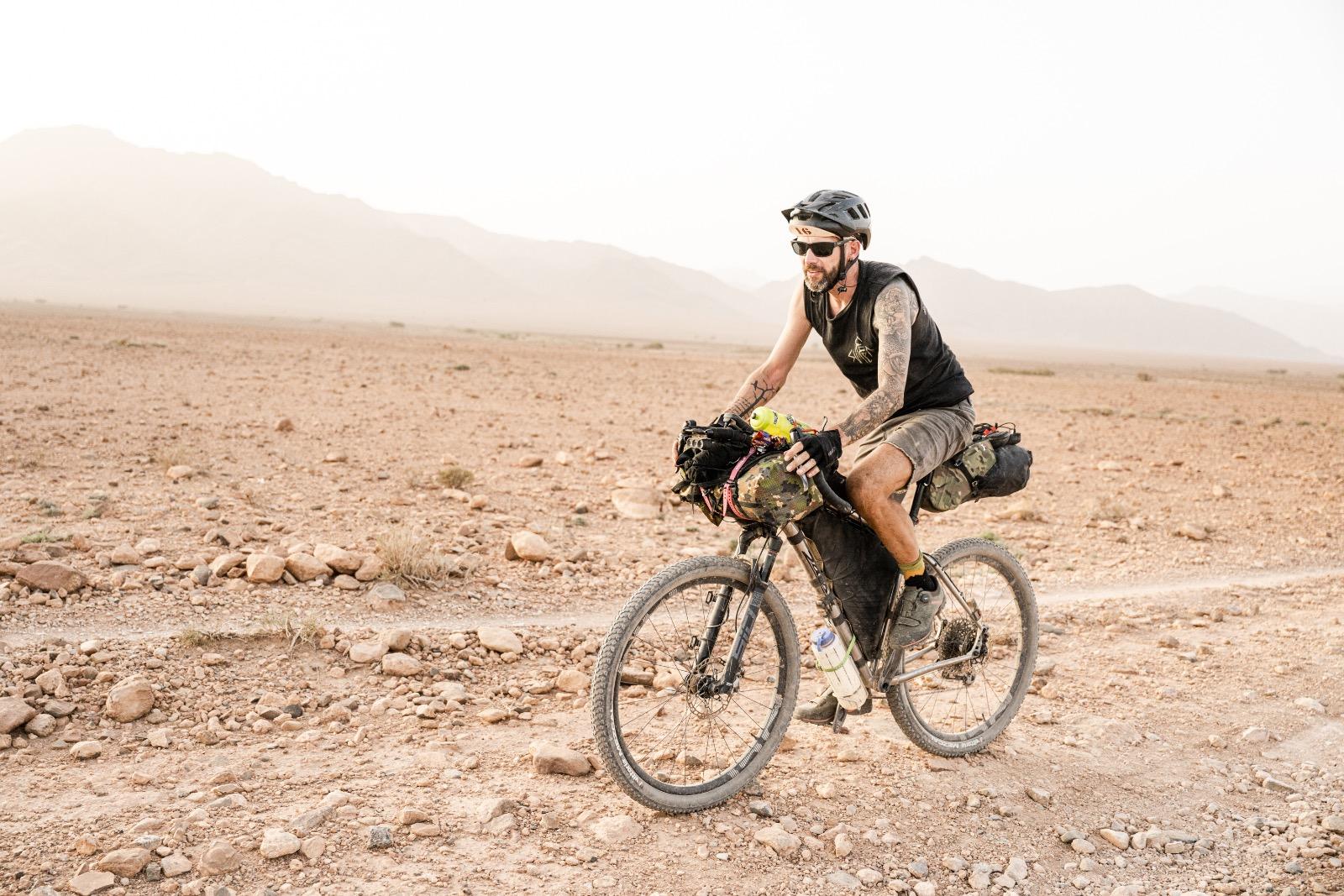
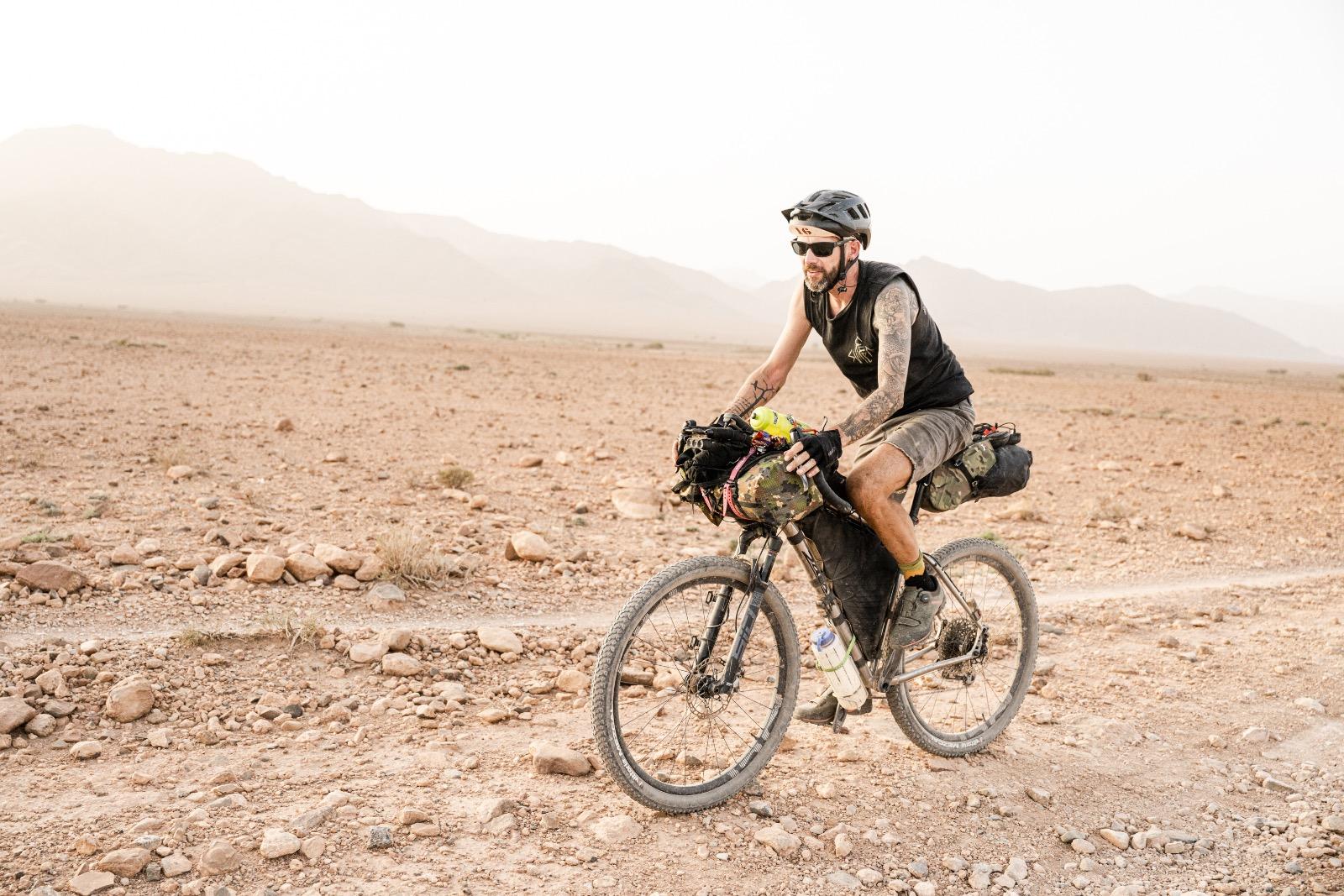
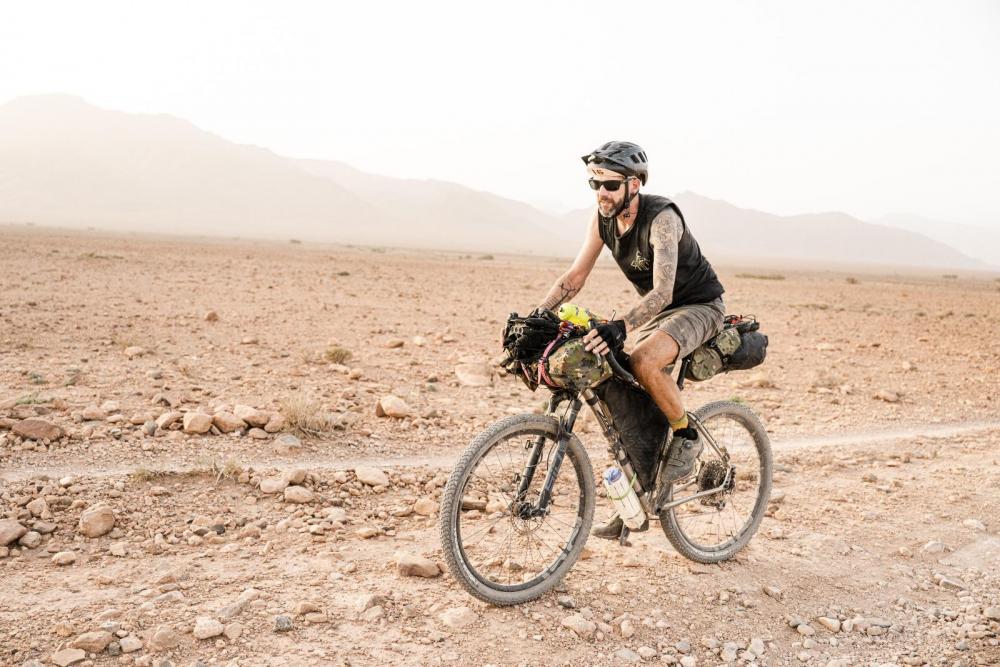
  2. Ich mache al meine Touren auf meiner Salsa Fargo Titanium (dafür ein normaler). Ich habe auch ein Nabendynamo und Aerobars (fur die lange strecken und fur ein Pizza unterwegs ). Hydraulik bremsen und mechanisch schalten (sram 12x) Hatte auch ein carbon bike aber die ist gebrochen... carbon ist nicht ideal fur bike touring (und Fliegen...)
  3. DannyW reagierte auf Beitrag im Thema: Bikepacking - eure Räder
  4. hmpf reagierte auf Beitrag im Thema: Bikepacking - eure Räder
  5. Fabian. reagierte auf Beitrag im Thema: Bikepacking - eure Räder
  6. fatrat reagierte auf Beitrag im Thema: Bikepacking - eure Räder
  7. Jan reagierte auf Beitrag im Thema: Bikepacking - eure Räder
  8. martinfarrent reagierte auf Beitrag im Thema: Bikepacking - eure Räder
  9. Okay, ich mach mahl mit: Mein goto Bikepacking bike ist meiner Salsa Fargo Ti. Fork: SID sl 100mm Wheels: Carbon E-thirtheen mit Son Dynamo vorne und DT Swiss 350 hinten - reifen 2.25" Vittoria Mezcal Gearing: modified SRAM force shifters (12 speed) mit Sram GX eagle (30 vorne / 10-50 hinten). Handlebar: Salsa Cowchipper 52cm Seat: SQ Lab Habe vergangenes Jahr damit die TransbalkanRace und AtlasMountainRace und kleinere touren gemacht. Fur die Winter und spass habe ich auch ein Salsa Mukluk Fatbike Grusse aus Holland - Bas
Account

Navigation

Suche

Suche

Configure browser push notifications

Chrome (Android)
  1. Tap the lock icon next to the address bar.
  2. Tap Permissions → Notifications.
  3. Adjust your preference.
Chrome (Desktop)
  1. Click the padlock icon in the address bar.
  2. Select Site settings.
  3. Find Notifications and adjust your preference.