Zum Inhalt springen
View in the app

A better way to browse. Learn more.

Ultraleicht Trekking

A full-screen app on your home screen with push notifications, badges and more.

To install this app on iOS and iPadOS
  1. Tap the Share icon in Safari
  2. Scroll the menu and tap Add to Home Screen.
  3. Tap Add in the top-right corner.
To install this app on Android
  1. Tap the 3-dot menu (⋮) in the top-right corner of the browser.
  2. Tap Add to Home screen or Install app.
  3. Confirm by tapping Install.

Rob_82

Members
  • Benutzer seit

  • Letzter Besuch

  1. Mario294 reagierte auf Beitrag im Thema: Impressionen von Touren
  2. Rob_82 reagierte auf Beitrag im Thema: Ein 40 Liter Dyneema Gridstop Rucksack
  3. Rob_82 reagierte auf Beitrag im Thema: Meine nächste Rucksack Evolution
  4. Rob_82 reagierte auf Beitrag im Thema: Meine nächste Rucksack Evolution
  5. Rob_82 reagierte auf Beitrag im Thema: Meine nächste Rucksack Evolution
  6. effwee reagierte auf Beitrag im Thema: Impressionen von Touren
  7. coyote reagierte auf Beitrag im Thema: Impressionen von Touren
  8. hbfire reagierte auf Beitrag im Thema: Impressionen von Touren
  9. mexl916 reagierte auf Beitrag im Thema: Impressionen von Touren
  10. Fabian. reagierte auf Beitrag im Thema: Impressionen von Touren
  11. zeank reagierte auf Beitrag im Thema: Impressionen von Touren
  12. scissorsmountain reagierte auf Beitrag im Thema: Impressionen von Touren
  13. martinfarrent reagierte auf Beitrag im Thema: Impressionen von Touren
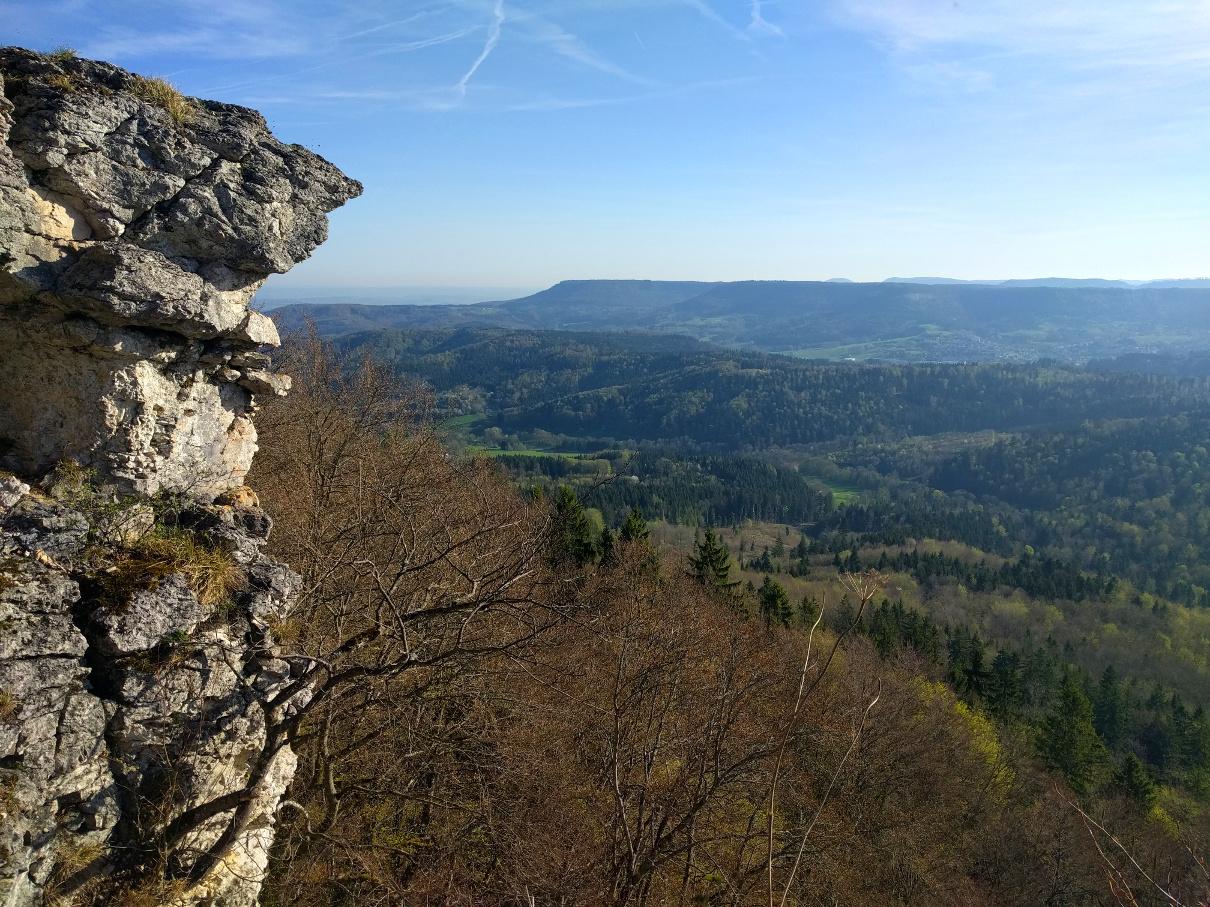
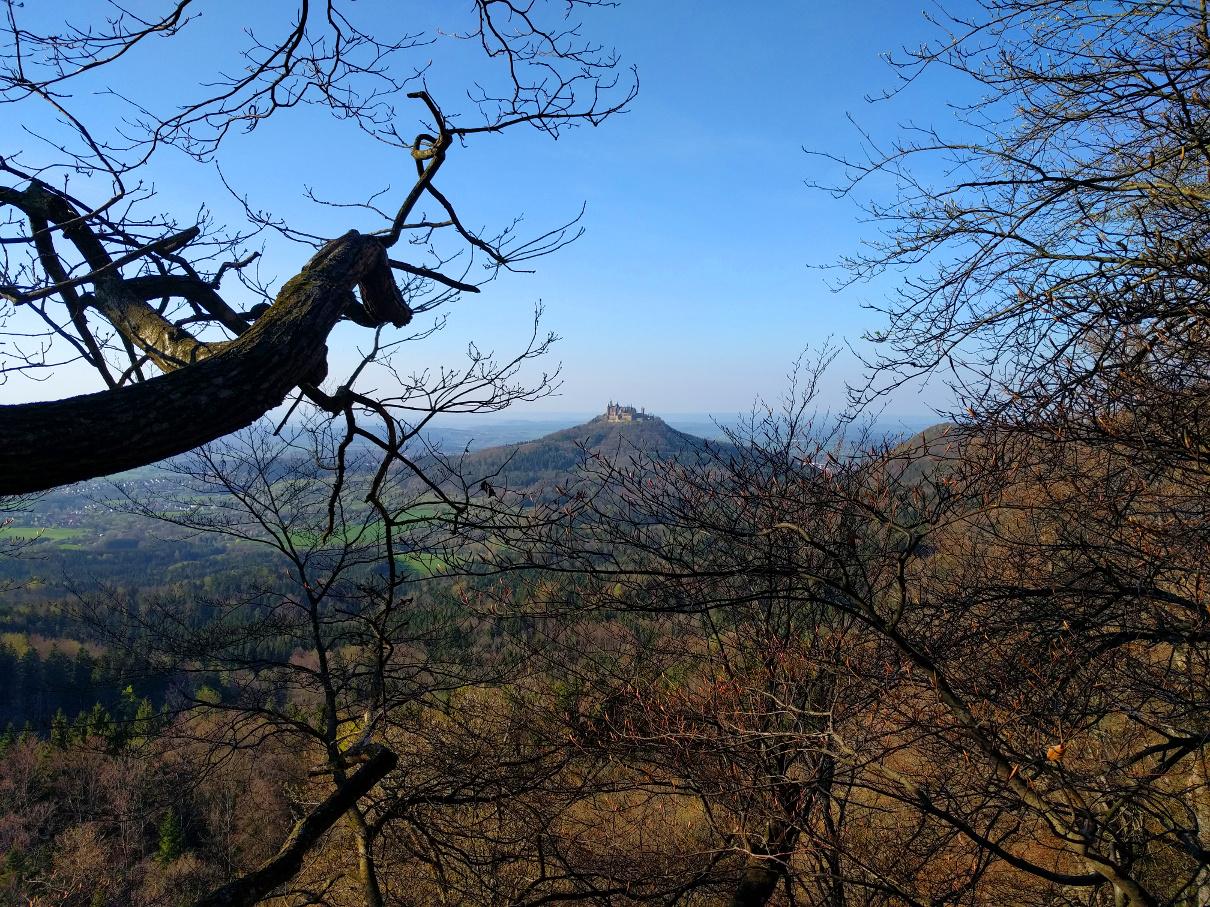
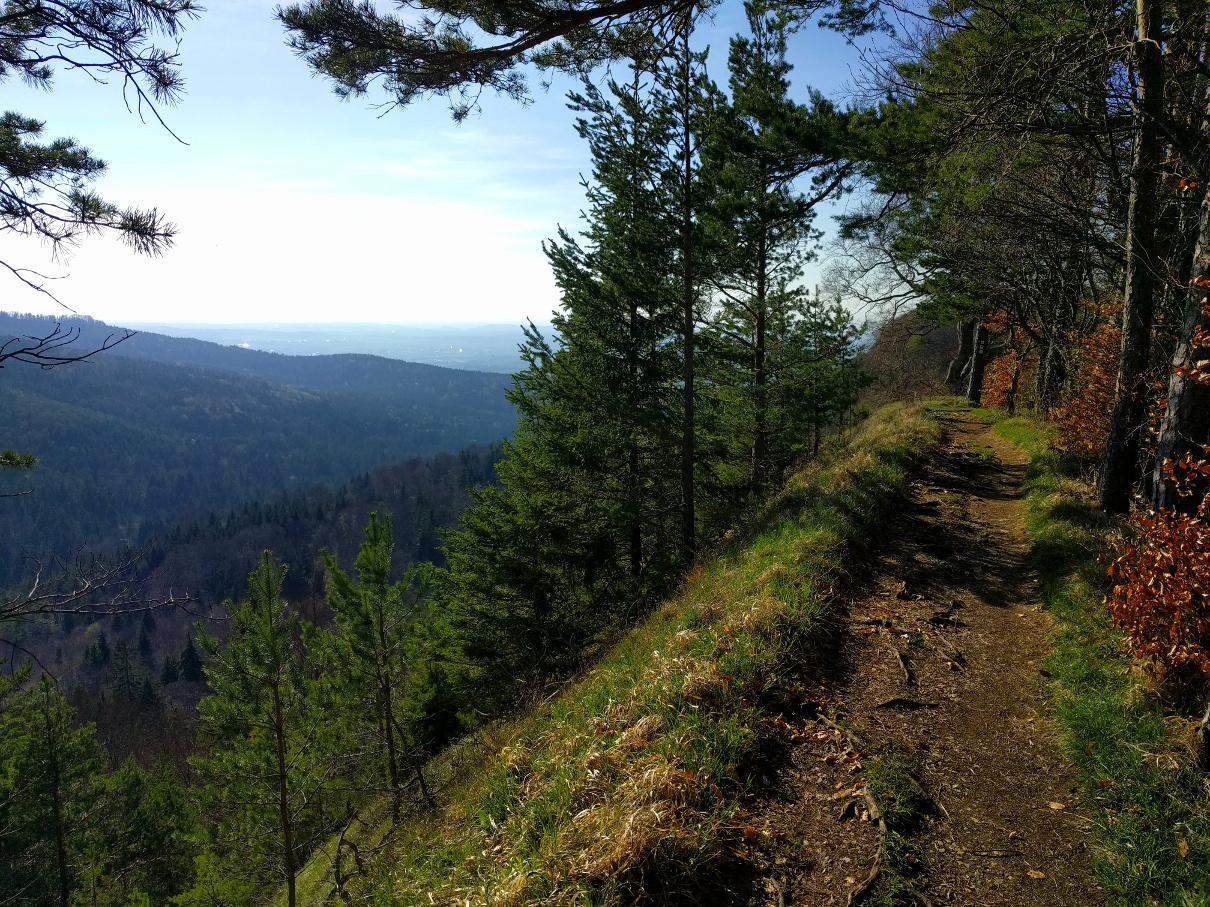
  14. Gute Aussichten auf einer kleinen Tour unterwegs auf dem Albsteig von Bisingen nach Mössingen.

Account

Navigation

Suche

Suche

Configure browser push notifications

Chrome (Android)
  1. Tap the lock icon next to the address bar.
  2. Tap Permissions → Notifications.
  3. Adjust your preference.
Chrome (Desktop)
  1. Click the padlock icon in the address bar.
  2. Select Site settings.
  3. Find Notifications and adjust your preference.